







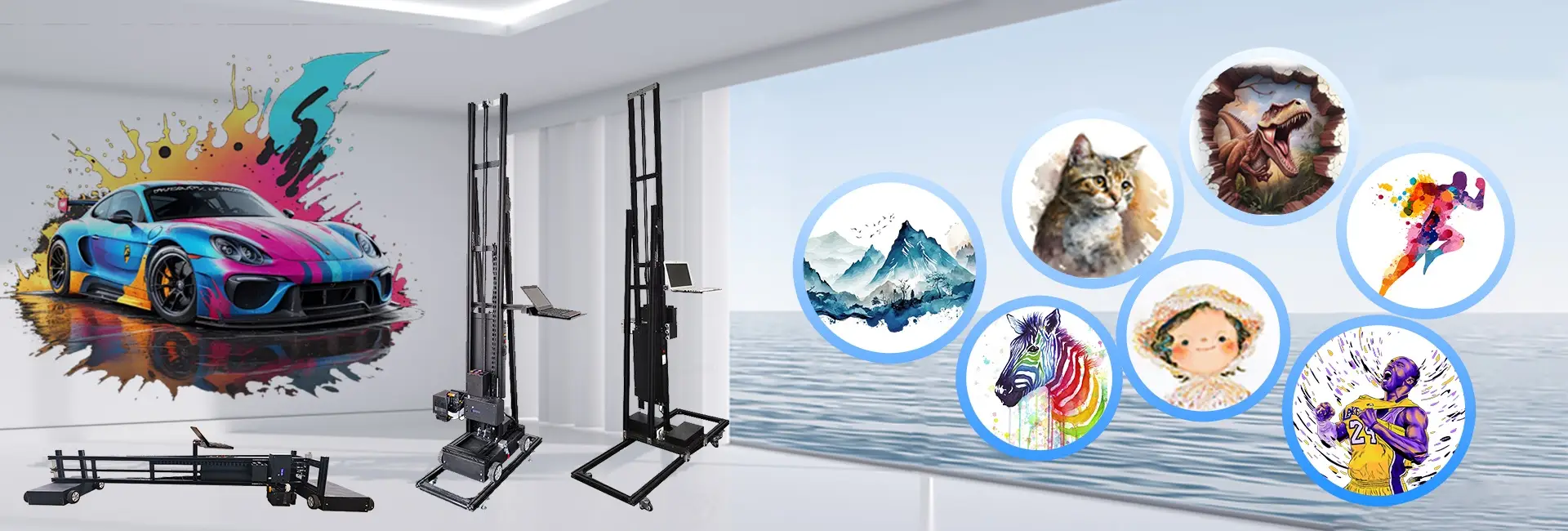
Setting up a wall UV printer is a thorough and exact process. It makes sure the machine works at its peak. This delivers top-notch prints on upright surfaces. Accurate calibration is vital for getting lively, precise designs. It also helps prolong the machine’s durability. If you are just starting with wall printing or have used these devices for a while, knowing the essential calibration steps is important. It lets you maximize your wall printer machine.
In this article, we will outline the main calibration steps. We will also talk about factors that influence the printer’s lifespan. Plus, we will share tips on achieving the best printing results. Additionally, we will highlight Hanjie’s wall printer machines built to offer superior, lasting outcomes for your wall printing projects.
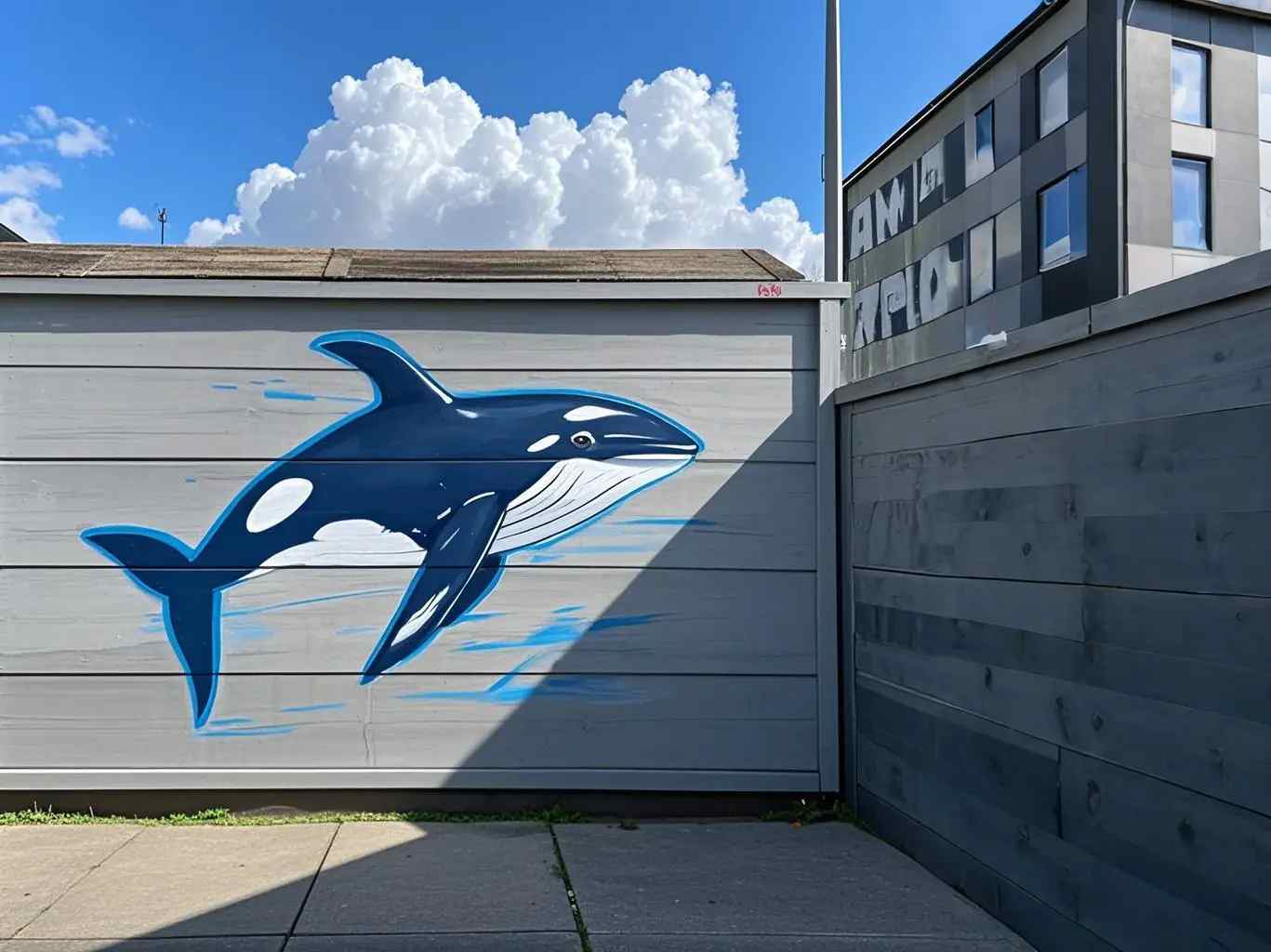
Why Is Calibration Critical for a Wall UV Printer?
When operating a wall UV printer machine, the precision of the prints relies on solid calibration. It aligns the printhead, ink setup, and sensors properly. As a result, you get steady and excellent output. Whether you are creating murals, ad visuals, or creative artwork, good calibration cuts down on mistakes. It lowers waste too. And it avoids lasting harm to your gear.
Why is calibration more important for wall UV printers than other printing methods?
Unlike standard flatbed or inkjet printers, wall printing machines handle big vertical prints. This brings extra hurdles. For instance, you must align the printhead well with the wall. You also need to handle surface flaws. And you have to keep ink flowing steadily during extended jobs. A properly tuned vertical wall printing machine avoids expensive redo’s. It ensures your prints are bright and exact. Thus, calibration is a must-do task.
How to Set Up Your Wall UV Printer Machine for Accurate Printing?
What Are the Key Calibration Steps for Your Wall Printer?
- Initial Setup and PreCalibration Checks
Before starting calibration, confirm your wall printer machine is fully assembled. Check the power links. Verify the ink setup is ready. And make sure the printhead is spotless and prepared. - Aligning the Printhead and the Printer Bed
The printhead alignment is key for crisp, neat prints. In this phase, adjust the printhead to position it right against the wall or target surface. The vertical wall printing machinedemands exact alignment. This stops image warping and guarantees true-to-design printing.
How do you align the printhead for accurate positioning?
Use the device’s integrated laser guide or hands-on methods. Align the printhead on the X and Y lines. Some modern wall printer machines include automatic alignment features. These make the task easier. - ZAxis Calibration: Setting the Printhead Distance from the Wall
The Z-axis calibration keeps the printhead at the right gap from the wall. This matters a lot on bumpy surfaces.
Why is Zaxis calibration essential for wall printing?
The correct spacing applies ink evenly. It stops problems like splashes or weak sticking. Wrong Z-axis setup might cause low-quality prints. Or it could harm the printhead and wall.
How Do You Calibrate Colors and Ink Flow for the Perfect Print?
- Color Calibration
Calibrating colors makes sure prints match your plans. Wall printing machines from Hanjie handle color profile management. This lets users tweak ink options for true colors and steady results.
How do you ensure that colors are accurately printed?
Run sample prints. Compare them to your target colors. Then adjust ink amounts. This helps the machine produce the most faithful color matches. - Ink Flow and Printhead Health
Good ink flow calibration delivers steady ink during the whole job.
How does ink flow affect calibration?
Uneven ink flow causes spotty colors and weak prints. Routine ink system reviews, like flushing or wiping the printhead, keep things running smoothly.
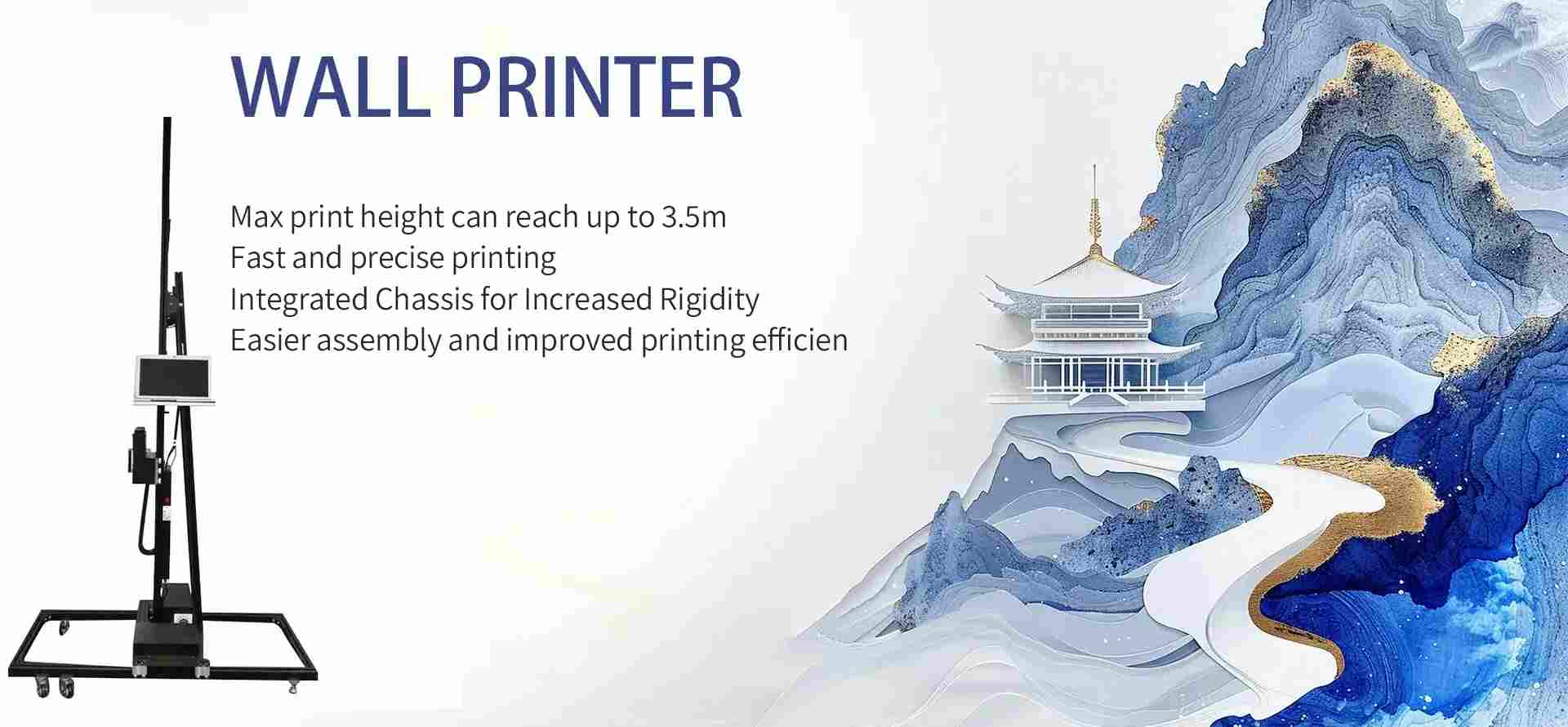
How Often Should You Recalibrate Your Wall Printer Machine?
What Triggers the Need for ReCalibration?
Though wall UV printers last a long time, some situations call for recalibration. These include:
- Replacing the printhead: Changing the printhead means recalibrating for best results.
- Ink or material changes: Switching inks or surfaces often needs recalibration. It ensures the right settings.
- Environmental changes: Relocating the printer or facing new temps and humidity can impact it. Recalibration is then required.
When should you perform a full recalibration of your wall UV printer?
Do a full recalibration after swapping big parts like the printhead. Or when using fresh materials. This keeps the machine working right and producing great prints.
What Are the Benefits of Regular Calibration?
- Consistency in Quality: Routine calibration keeps every print on point with the original specs.
- Extended Machine Life: Tuning your wall printer machine regularly avoids extra wear. This leads to a longer lifespan.
- Reduced Downtime: Spotting problems early in calibration cuts the chance of big breakdowns or pricey fixes.
Hanjie’s Wall Printer Machines: Reliable, High-Quality Solutions for Professional Printing
At Hanjie, we know a wall printer machine needs to produce fine prints reliably over years. That is why our printers focus on dependability and accuracy. They suit various printing tasks.
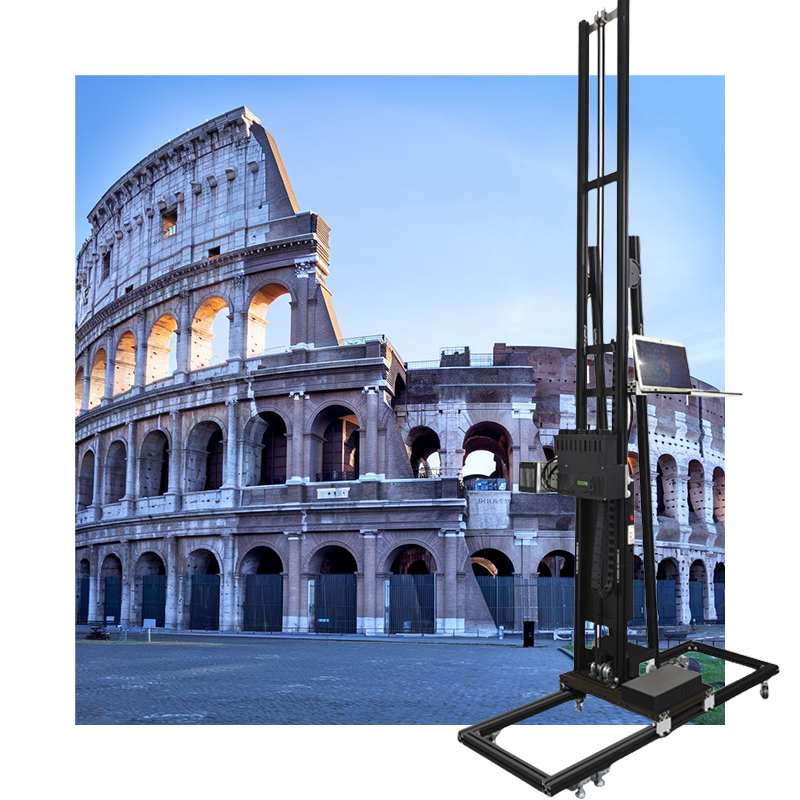
The HJ-928 is a high-end vertical wall printer machine for major jobs. It has dual print heads and reaches a maximum resolution of 2880 DPI. This enables lifelike prints on walls up to 3 meters high and unlimited width. It includes automatic calibration features too. These cut setup time and maintain even quality on big tasks. For murals, business logos, or tailored art, the HJ-928 delivers solid work.
The HJ-426 is a flexible unit for wall and floor printing. It offers high-speed printing and a dual printhead system. This suits jobs needing detail and quickness. The HJ-426 uses advanced laser positioning systems. They ease setup and boost print accuracy. It works well for small gigs like home murals or big ones like ad setups.
At Hanjie, we provide customization options for our wall printer machines. We adapt each one to fit client needs. This might mean changing the printhead setup or adding unique software. We partner closely with customers for custom fits.
FAQ
Q: How often should I calibrate my wall UV printer?
A: Do calibration often. Especially after swapping parts like the printhead or ink system. Check alignment and ink flow quickly before big jobs. Full recalibration is key if parts change or settings shift.
Q: What is the best way to align the printhead on a wall UV printer?
A: Printhead alignment is vital for clear, sharp prints. Rely on the laser positioning system or automatic alignment function for correct setup. Manual tweaks help for extra precision.
Q: Can I use the wall printer machine outdoors?
A: Yes, Hanjie’s wall printer machines work indoors and out. For best outcomes, ensure the surface is clean and dry. Avoid too much dampness. Protect the printer from harsh weather.