





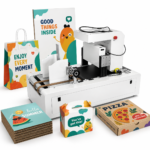
What Is Wall Printing and How Can It Transform Your Space?
What Does Wall Printing Involve?
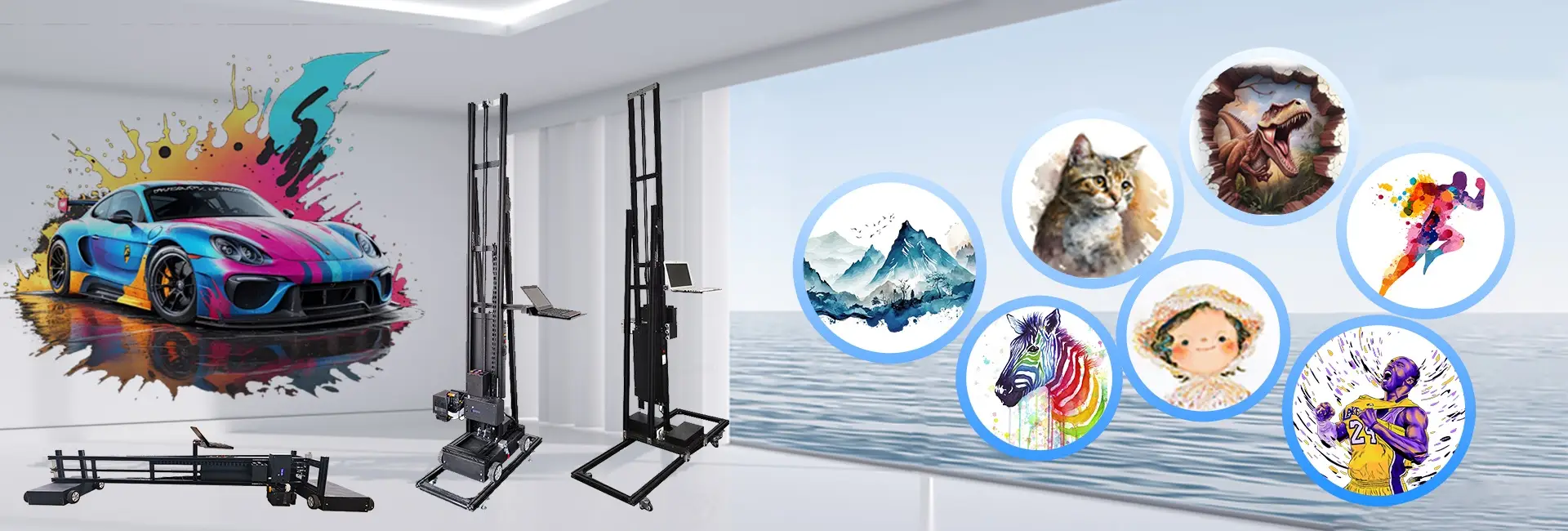
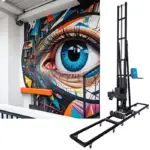
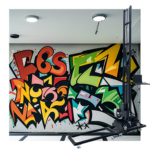
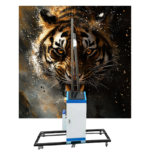
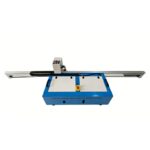
Wall printing is an innovative technology that prints digital images directly onto walls or floors using specialized machines. These devices, often called wall art printers or 3D wall printer machines, use UV-curable inks and smart control systems to create high-resolution designs on surfaces like walls, floors, tiles, glass, wood and more. The process is fast, clean and turns plain surfaces into personalized artwork.
Benefits of Wall Printing for Home and Office Interiors
Wall printing has several perks compared to traditional decor methods. It allows complete customization, letting users print anything from family photos to company logos. Also, UV inks make prints waterproof, fade-resistant and durable, enabling them to last outdoor 3-5 years and indoor 15-20 years. This makes wall printing perfect for home spaces like living rooms or kids’ rooms, as well as business settings like offices or shops.
How Is Wall Printing Different from Traditional Wall Art?
Unlike hand-painted murals or wallpaper, which take time and effort, wall printing is quick and accurate. A 3D floor and wall printer can finish complex designs in hours with little human input. Plus, wall printers create effects like 3D/5D visual relief textures, which are hard to achieve by hand.
Wall printing supports 3D/5D relief effect output, giving images a strong three-dimensional feel—a major difference from standard painting.
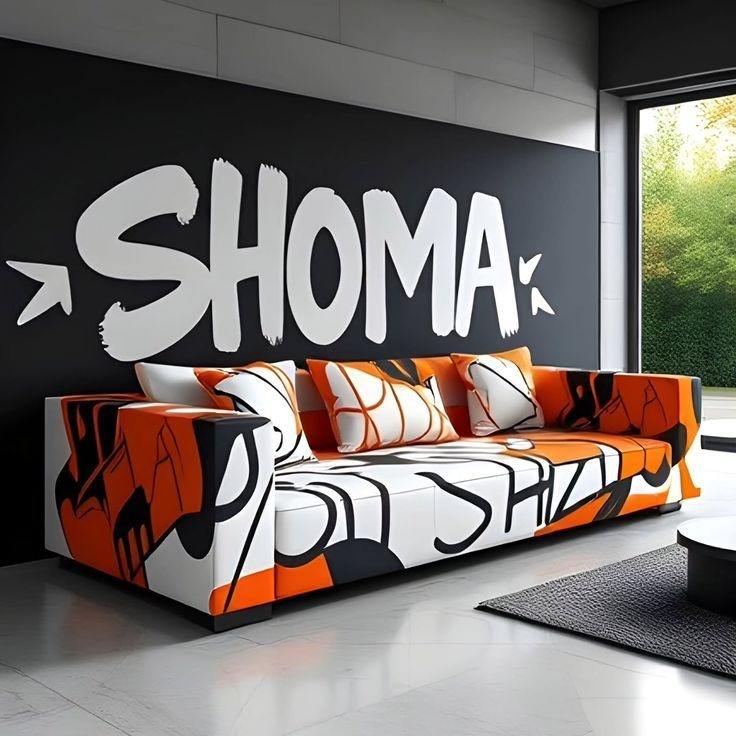
Where to Print Wall Art?
Can You Print Directly on the Wall at Home?
Yes. With equipment like a wall printer portable or compact wall
printer, homeowners can print directly on walls without hiring professionals.
Options for Professional vs. DIY Wall Printing
Professional services provide expertise and advanced tools for large or commercial projects. But DIY wall printing is now easier with user-friendly machines like our HJ-724 economic model.
What Surfaces Are Suitable for Wall Printing?
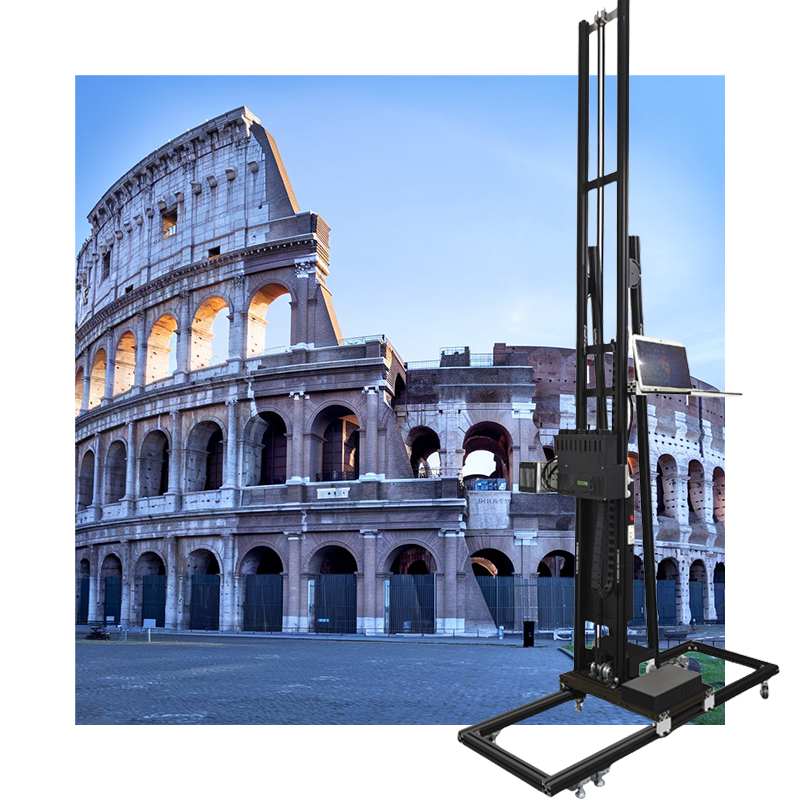
Wall printers work on many materials, including plastered walls, glass panels, ceramic tiles, metal sheets, wooden boards and acrylic surfaces.
Proper surface prep ensures strong adhesion and clear prints, no matter the material.
Hanjie and Its Innovative Wall Printer Technology
Who Is Hanjie and What Do They Offer?
At Hanjie, we focus on digital printing technologies with years of expertise. Our aim is to provide creative wall printing solutions for homes and large commercial projects.
Zhengzhou Hanjie Intelligent Technology Co., Ltd. specializes in digital printing. After years of dedication, we’ve gained rich industry experience, committed to offering innovative wall printing solutions for clients.
Our product lineup includes wall printers include HJ-928, HJ-725 and HJ-724, which let users explore creativity without needing technical skills.
Key Features of Hanjie’s Wall Printer
High-Resolution Printing Capabilities
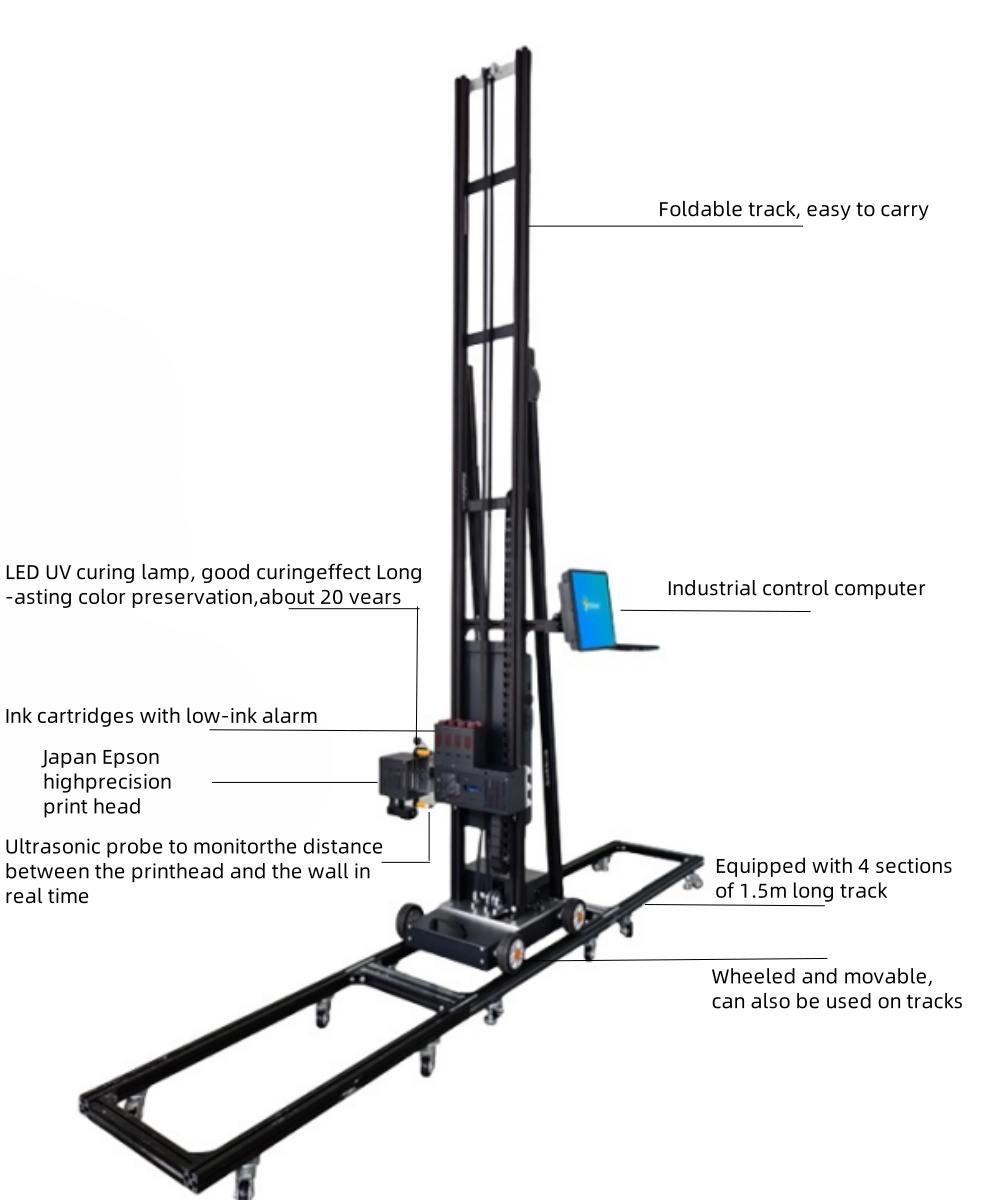
Our Epson I1600 printheads achieve up to 2880 dpi with a lifespan of 4000㎡, ensuring sharp images with fine details.
All our products use cutting-edge technology and high quality components, delivering clear, vibrant and long-lasting images with excellent stability and adaptability to complex environments. They work on various surfaces like walls, glass, tiles, metal and wood.
Compatibility with Various Surface Types
Using UV ink technology and laser-guided positioning, our machines ensure consistent quality across different textures. Laser positioning system and electric lift ensures accurate image alignment.
Eco-Friendly Inks and Efficient Operation
We use CMYK+W inks that dry instantly, eliminating odors while being water- and sun-resistant. Our five-color UV ink creates vibrant images, dries within seconds and is waterproof and sun-resistant.
Our modular design allows printing in under 10 minutes by one person.
Why Choose Hanjie for Your Wall Art Projects?
We offer lifetime technical support, including 24-hour WhatsApp technical group response and remote guidance. We also provide customizations like voltage options (110V/220V/380V), software in 11 languages and tailored machnes. The printing software now supports English, Russian, German, French, Portuguese and Spanish. The tailored machine can be customized in print sizes up to five meters and print logos.
How Much Does the Wall Printer Cost?
Factors That Influence the Price of a Wall Printer
Machine Size and Print Resolution
Larger models with higher resolution cost more due to advanced parts like dual high-end Epson heads.
Software and Technical Support Included
Our Control system include industrial control systems with Photoshop, BetterPrinter and UltraPrint software, plus lifetime updates at no extra cost.
Step-by-Step Guide to DIY Wall Printing at Home
What Materials Do You Need to Start?
Digital Design Files
Almost all picture formats are available, such as PSD、JPG、JPEG、PNG、TIF and AI-PDF.
Access to a Compatible Wall Printer (e.g., from Hanjie)
Wall printers like our HJ-725 Advertising Decoration 3D Printer are great for DIY use due to their compact size and ease of use.
Proper Surface Preparation
Ensure surfaces are clean before printing.
How to Prepare Your Design for Printing
Choosing the Image
Choose whatever image you need, which you can then resize in Photoshop.
Setting Up the Printer and Preparing the Surface
Ensuring a Smooth, Clean Surface Area
Clean dust or oil from surfaces. For glossy materials like glass or acrylic, apply our recommended prep.
Calibrating the Machine According to Specifications
Check whether the distance between the spray and the wall is 3-5mm and then enter the print location in BetterPrinter.
Executing the Print Job Safely and Accurately
The whole printing process
The first step: Import the picture into Photoshop. Click on the “image” tab, then click on “mode” and convert the color to CMYK color. After that, click on “image size” and adjust the size of the picture according to the size of the wall. Once it is adjusted, click on “file”, then click on “save as” and save it as a TIFF format file.
The second step: Input the adjusted TIFF format file into the RIP software(Name: ultraprint). Rotate the picture 90 degrees clockwise, adjust the printing precision in this software(generally:720*1080dpi), and generate the data that can be recognized by the printer.(save as prn format)
The third step: Import the data generated by the RIP software into the printing software (Name: Better printer)and press the start button to start the printing.
Monitoring Print Progress
Watch nozzle performance before printing. You need to absorb ink and measure the status of the printhead. Use the “flash test” of BetterPrinter to see if the lines emitted by the printhead are complete.
Clean the printhead with cleaning solution at least twice a week. Cover the printhead when not in use to avoid sunlight exposure.
Maintenance Tips and Long-Term Care for Printed Walls
How Long Does Printed Wall Art Last?
Our prints use durable UV inks designed to last, even in sunlight or humid conditions, making them ideal for indoor and outdoor use.
Cleaning and Preserving Printed Surfaces
Use a soft cloth with water only. Avoid harsh cleaners that could harm ink layers over time.
Can You Reprint or Replace Existing Designs Easily?
Yes. If changes are needed:
Print designs on custom canvas and stick it to the wall. This allows updates without repainting the entire wall.
PREGUNTAS FRECUENTES
Q: Can I use my own laptop instead of an industrial PC?
A: Yes. Our systems work with industrial PCs or regular laptops with Photoshop, BetterPrinter and UltraPrint software included during setup.
Q: Will it damage my painted walls?
A: Printing causes no permanent damage, but removal may require repainting based on the wall’s original paint and ink absorption.
Q: What happens if my printhead gets clogged?
A: Cover the printhead with a wet tissue and cleaning solution. Clean every 3–4 days to prevent clogging.