







Introducing Wall Printers and Their Manufacturers
What is a Wall Printer and How Does It Work?
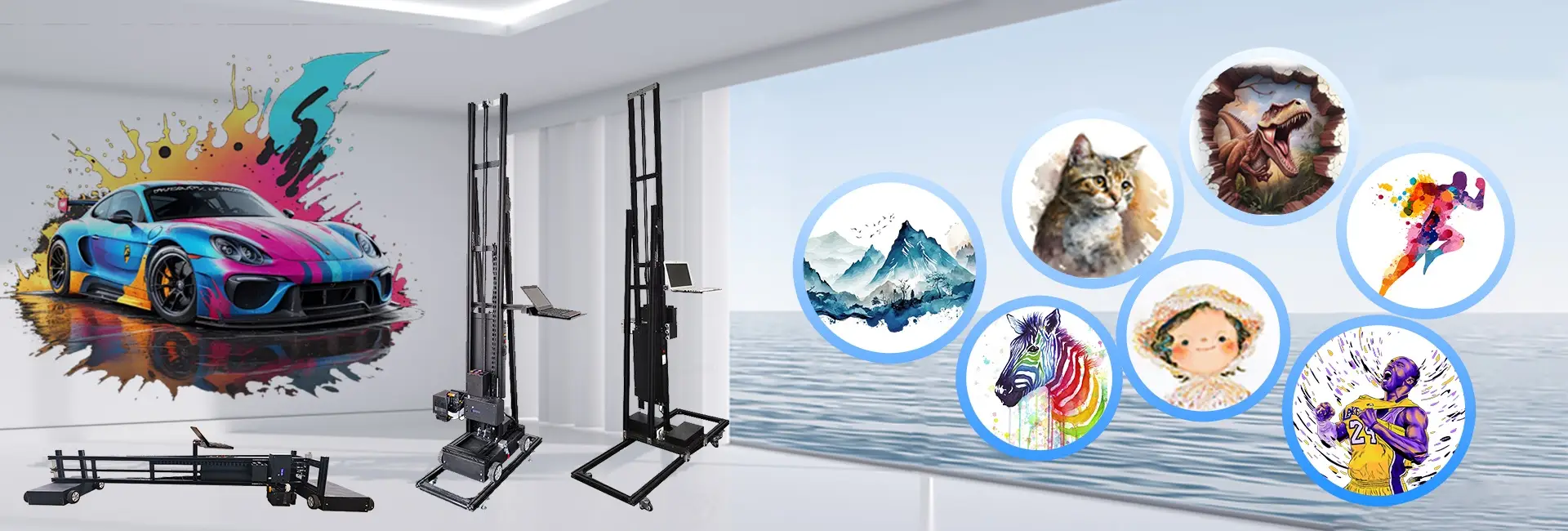
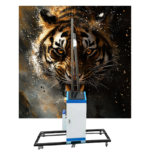
Wall printers mark a fresh phase in digital printing tech. They allow direct image placement on upright surfaces like plaster, concrete, wood, or glass. These devices rely on UV-curable inks and exact control setups to produce sharp designs that last well and look impressive. Wall art printers employ UV-curable inks and clever control systems to generate high-resolution designs on surfaces.

The core tech in wall printers features laser positioning systems, electric lift setups for printheads, and ultrasonic sensors. These sensors automatically sense wall distance to guarantee steady quality. Our wall printers utilize laser positioning and printheads’ electric lifting. This enables accurate printing on mildly rough surfaces without twisting—unlike hand painting, which often falters here. Such advanced elements let wall printers create 3D or 5D relief effects that copy texture and depth. Traditional mural painting depends on manual expertise and long drying periods. In contrast, UV-curable inks harden right away under built-in UV lamps. This forms water-resistant and color-fast layers.
Who Are the Leading Wall Printer Manufacturers in the Wall Printer Industry?
Among worldwide wall printer makers, Hanjie emerges as a trailblazer in digital printing options. Hanjie concentrates on digital printing. Over many years of effort, it has gained solid industry know-how. The company dedicates itself to offering clients fresh wall printing fixes. Our lineup covers the HJ-725 advertising decoration 3D wall printer and the HJ-928 vertical 3D wall art printer. Both aim for top-tier results in various uses.
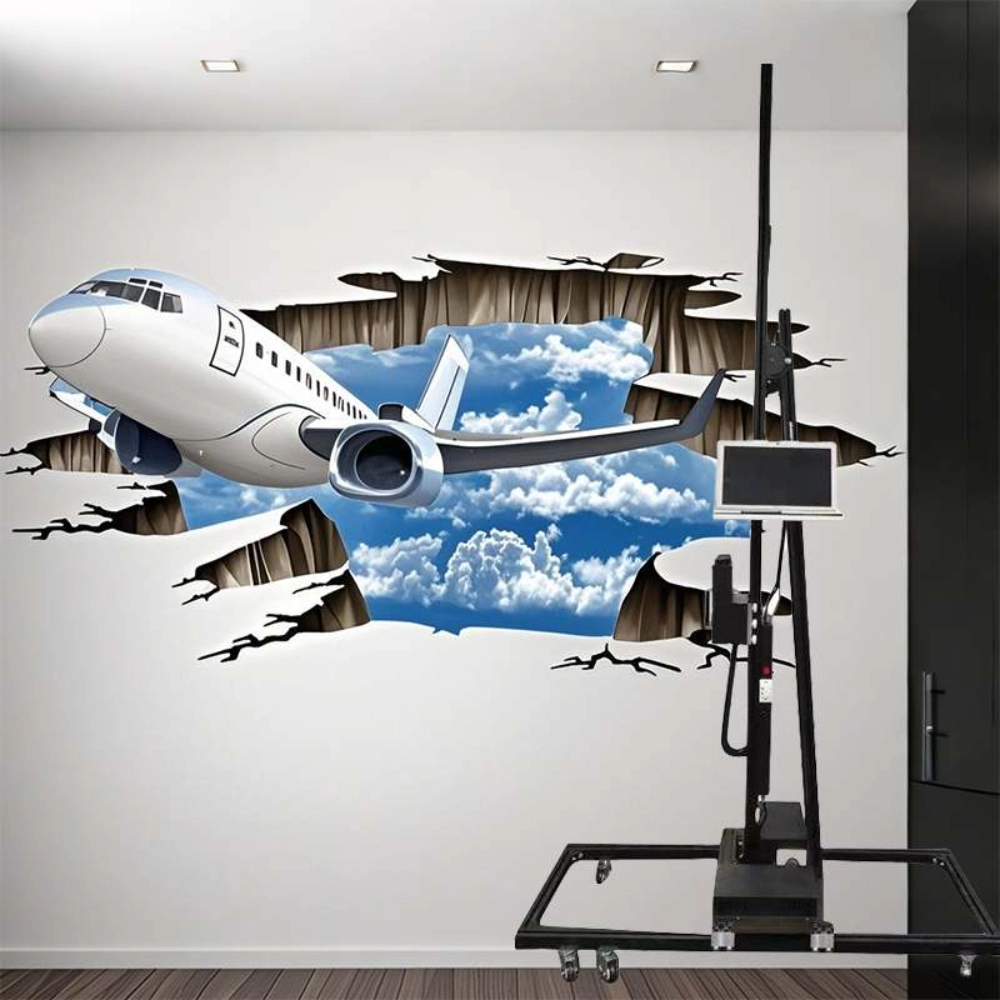
We lead as mural printer producers, reshaping wall art. Our mural printer unlocks profit paths for you. Use it to build wealth. As a reliable wall printer manufacturer, we stress tech accuracy, sturdiness, and simple handling. Our units printheads reach up to 2880 DPI sharpness for fine outcomes. At the same time, they keep ink use low. The skills of makers like Hanjie shape product excellence. This happens through strong R&D efforts, tough quality checks, and complete tech aid.
Key Troubleshooting Techniques for Wall Printers
How Do Wall Printer Manufacturers Address Common Printing Errors?
Misalignment in printing ranks as a top issue for users. To fix it, calibration with laser positioning systems keeps images straight on bumpy surfaces. If the printed image is fuzzy or shifted, verify that the print head sits 3–5mm from the wall. Then, recalibrate the laser positioning. For uneven color results or dull shades, makers suggest nozzle cleaning with special fluids at least twice weekly. This preserves best ink flow.
Color problems may arise from blocked printheads or air pockets in ink lines. Here, users need to empty ink with absorbers or restart the system per maker advice. If the printhead is clogged, cover the printhead with a damp tissue and cleaning solution.
What Steps Are Taken to Ensure Printer Calibration?
Keeping exact calibration matters greatly for clear output in wall printing tasks. Standard upkeep plans involve inspecting printhead distance, confirming track straightness, and checking ink thickness levels. Our expert group holds deep field insight. It delivers full aid from product advice and choice tips to tech help. We also have a quick after-sales crew. This covers setup, startup, fixes, and upkeep. All ensure hassle-free operation for clients.
Makers like Hanjie build in auto-calibration tools in their devices. For example, height sensors ease setup for those with little tech background. The HJ-725 model includes auto-calibration plus surface scan tech. This avoids gear bumps while running.
Advanced Troubleshooting Strategies Employed by Hanjie
How Does Hanjie Approach Software-Related Challenges?
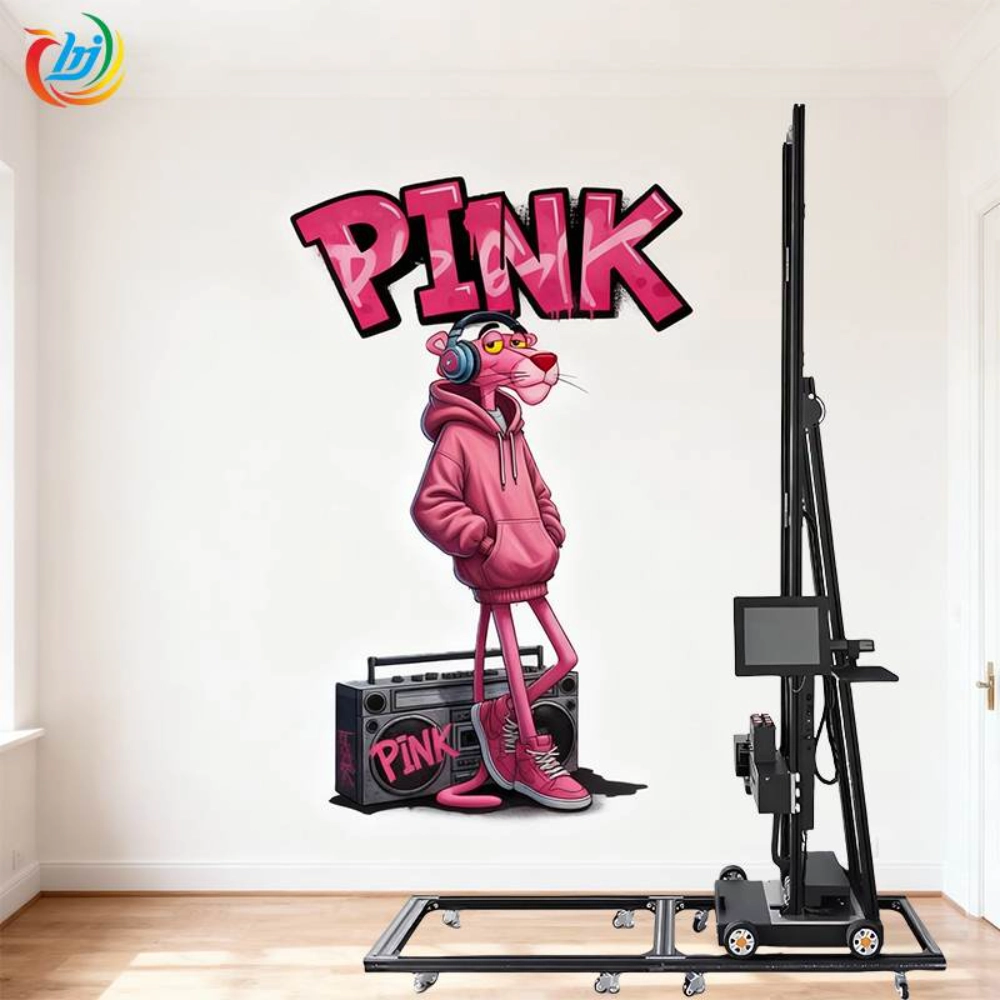
Software dependability aids steady printing results. At Hanjie, we supply free lifetime software upgrades to match changing systems. Our kits feature industrial control setups with Photoshop, BetterPrinter, and UltraPrint software. Plus, they come with lifetime updates at no extra charge. If users encounter device or software match problems, our techs provide distant fixes. They use video guides or online talks, available around the clock.
To cut issues from damaged files or wrong image types, we advise storing artwork in TIFF format first. Then, import it into UltraPrint software. This turns it into printer-ready PRN files. As a result, it smooths links between tools like Photoshop and our own BetterPrinter setup.
What Mechanical Adjustments Are Recommended by Hanjie?
Mechanical steadiness sets lasting precision in upright printing jobs. We recommend reviewing all track links before each task. Loose parts can cause shakes that shift alignment. If the unit stops working, reach our techs right away. They handle online checks. Most issues tie to software, but hardware harm gets fixed by swapping parts.
Hanjie’s sectioned machine build permits fast breakdown for moving. Yet, it holds firmness in use via aluminum-alloy frames. For best work on bumpy walls or grounds, ultrasonic sensors tweak printhead height live. This removes twists even with surface flaws.
Preventative Measures and Best Practices
What Maintenance Tips Can Extend the Life of a Wall Printer?
Daily cleaning forms the base for lengthening machine life and holding print sharpness. Clean printheads often with set cleaning fluid. Also, shield them when idle to dodge UV harm. When you’re not using your wall printer machine 3D head soak a paper towel with cleaning fluid cover the print head surface and put a lid on the print head cover.
Opting for approved UV inks boosts life for gear parts and printed works. These mixes cure fast under UV light. They avoid harmful VOC releases. Moreover, adding clear guard varnish over done murals boosts defense against scrapes or dampness. This suits outdoor setups especially.
PREGUNTAS FRECUENTES
Q: What Are Some Common Issues Users Face with Wall Printers?
A: Misalignment errors due to improper calibration, color inconsistencies caused by clogged nozzles or air bubbles in ink lines, and occasional software glitches are among frequent challenges reported by users.
Q: How Often Should a Wall Printer Be Serviced?
A: Regular servicing every six months is advised for optimal performance. However, heavy commercial users may benefit from quarterly inspections focusing on nozzle condition checks and firmware updates.
Q: Can Wall Printers Be Used on All Types of Surfaces?
A: While highly versatile across materials such as plaster walls, wood, metal, glass, tiles or brick, not all surfaces guarantee perfect adhesion. Therefore, testing on a small area before full-scale production is recommended by manufacturers.
Q: What Should I Do If My Printhead Gets Clogged?
A: Use cleaning fluid-soaked tissues over nozzle areas leave them and then run automatic nozzle cleaning cycles. And clean the printhead with a specialized printhead cleaner as instructed by our engineers.
Q: How Long Do Printed Images Last?
A: With proper maintenance indoor prints can last up to 15–20 years while outdoor murals typically retain color vibrancy for three to five years due to durable UV-curable inks.