

Print Resolution in Wall Art Printing
What Is Print Resolution and Why Does It Matter?
Print resolution means the amount of detail an image has when printed. It is usually measured in DPI, which stands for dots per inch. A greater DPI indicates more ink dots packed into each inch of the image. This creates a sharper and more detailed print. In wall art printing, both accuracy and sharpness greatly boost the overall visual charm.
The link between resolution and clarity is simple. Greater resolution brings finer details and smoother color blends. Lower resolution, however, can lead to clear pixelation and fuzziness. This shows up a lot in big-scale uses like wall printing. There, the viewer’s closeness to the surface highlights any flaws.
For wall art, resolution impacts not just sharpness. It also affects how textures and color shifts come across. Poor resolution might make a mural look dull or faded. High-resolution prints keep depth and brightness alive. This boosts the overall visual punch.
How Does Print Resolution Affect Wall Art Printer Output?
Print resolution has a key role in setting the quality of output from a wall art printer. Images with low resolution often show visible pixels or rough edges. This happens especially when you enlarge them. High-resolution prints keep smooth lines and tiny details intact. These are vital for tricky designs or photo copies.
Big projects feel resolution changes a lot. As the image size grows, those same pixels have to spread over a bigger space. This can lower quality unless the starting file has enough DPI. For instance, a picture that seems clear on a screen might look fuzzy when printed as a full-wall mural. This occurs if it is not set up right for printing.
Key Factors That Influence Final Appearance of Wall Art Prints
What Role Does Image Source Quality Play?
The starting image’s quality shapes the end result of wall art. Files with high resolution, like 300 DPI at full size, offer plenty of pixel info for big prints. They hold detail and skip unwanted marks. Using low-resolution images, though, leads to soft borders and clear pixelation when you scale them up.
Recommended pixel sizes change with print dimensions. For a 24×36 inch print at 300 DPI, you need at least 7200×10800 pixels. Formats such as TIFF and PSD work best for printing. They keep top image quality without squeeze marks.
How Do Viewing Distance and Print Size Interact with Resolution?
Viewing distance shapes how sharp a printed item seems. A huge mural seen from a few meters off needs less resolution than a small canvas viewed nearby. This idea lets you tweak resolution based on how people will look at it.
For small artworks up to 18″x24″, 300 DPI fits best. Medium sizes like 24″x36″ can handle 200–240 DPI. You won’t see quality drop. For large wall printing projects over 36″x48″, 150–200 DPI works fine if viewed from a few feet away.
This mix is important with large files. Too high a DPI swells file size and slows processing. It adds no real visual gain. Too low a DPI cuts quality.
How Can a Wall Art Printer Ensure Color Accuracy and Detail?
Color accuracy relies a lot on printer setup and software help. A strong Color Management System (CMS) with ICC profiles guarantees steady and expected colors on different materials.
Common Questions About Wall Art Printers Answered
Why Does My Printed Wall Art Look Blurry Even If It Looks Sharp on Screen?
This difference comes from screen resolution (PPI – pixels per inch) versus print resolution (DPI – dots per inch). Screens usually show images at 72–96 PPI. That looks clear on digital displays. But it misses the pixel density needed for printing.
To ready images for print, resize them at the right DPI values. Use tools like Photoshop.
Can I Print a Smartphone Photo as Large Wall Art Without Losing Quality?
Today’s smartphones take high-resolution photos. Yet, they often lack enough when stretched to mural scale. You might need to enlarge with special software. Or use vector graphics for the best outcome.
Still, check with print experts or do test prints first. Don’t jump to full size right away. Our team provides talks before printing. This helps get the best from any starting file.
How Do I Know If My Image Is High Enough Resolution for Printing?
Use software like Photoshop or free online tools. Check the image’s pixel size. Then, figure if it hits the minimum for your planned size at 150–300 DPI.
Introducing Hanjie’s Advanced Wall Printer Technology
What Makes Hanjie’s Wall Printer Stand Out in Terms of Resolution and Clarity?
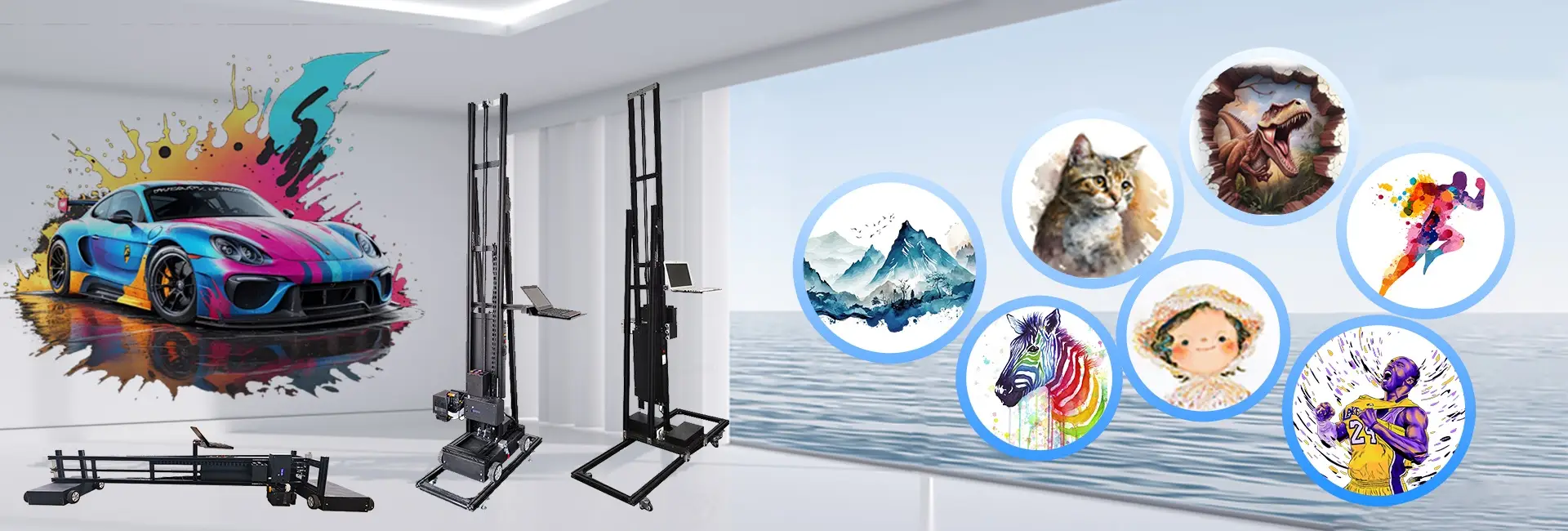
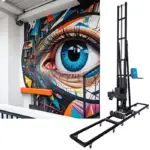
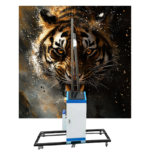
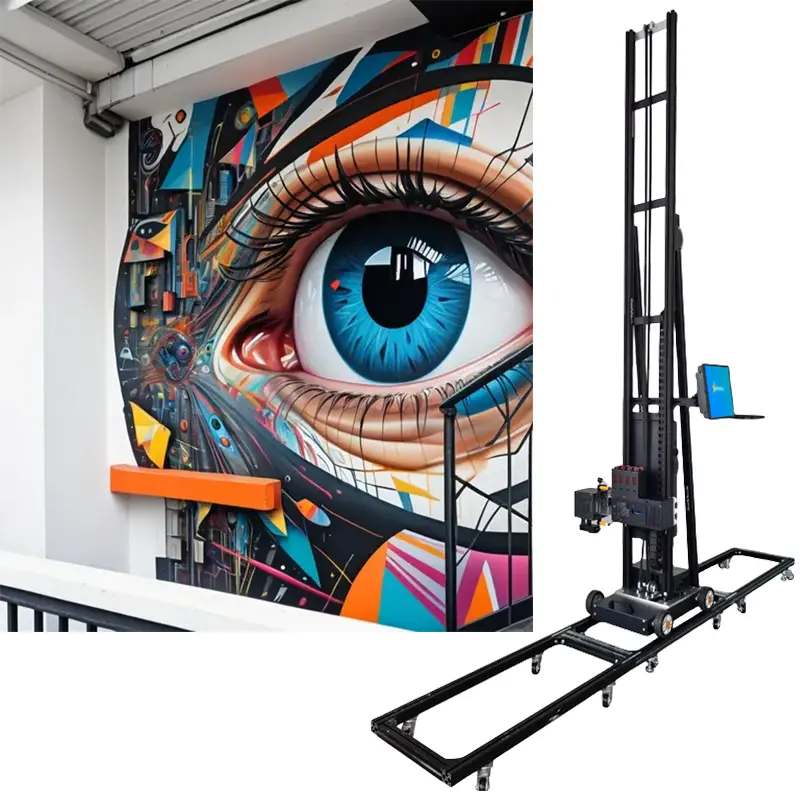
At Hanjie, we build our printers for strong performance and exactness. Our Epson I1600 printheads hit up to 2880 dpi. They last 4000㎡. This brings steady sharp results. Whether for Arte de parede impressa em 3D or lifelike murals, this detail level makes us different.
Almost all picture formats work. These include PSD, JPG, JPEG, PNG, TIF, and AI-PDF. This gives users options. At the same time, it ensures top outputs from our wall printer machine.
Also, our CMYK+W UV inks have low VOCs. Unlike old solvent inks, they support green practices. And they give bright color copies.
Which Types of Surfaces Can Hanjie’s Wall Printer Handle Without Compromising Quality?
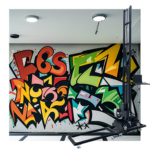
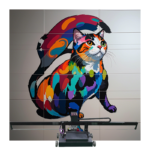
Our machines print on many surfaces. These include plaster, wallpaper, wood, brick, concrete, tiles, and more. With built-in laser alignment systems and ultrasonic sensors, our wall printers use laser positioning and printheads’ electric lifting. This allows precise printing on mildly uneven spots. It avoids twisting. Hand painting can’t match this.
How Does Hanjie Ensure Long-Term Durability in Its Prints?
UV inks make prints waterproof, fade-proof, and tough. They last 3-5 years outdoors and 15-20 years indoors. We also suggest adding a clear protective varnish layer on top. It boosts water resistance and strength.
With UV-curable tech that dries fast under UV light, our prints fight scratches, weather, and sun. This keeps your work strong over time.
Our packages come with industrial control systems. They include Photoshop, BetterPrinter, and UltraPrint software. This lets you fully manage color shifts and setup. Also, the laser positioning system and printheads’ electric lift ensure spot-on image placement. Even on bumpy surfaces, it works well. This beats old painting methods.
FAQ
Q: What is the ideal DPI for printing high-quality wall art?
A: For most wall art prints viewed from a standard distance, 300 DPI is considered optimal. For larger pieces viewed from farther away, 150–200 DPI may suffice without noticeable quality loss.
Q: Can I use any printer to produce wall art prints at home?
A: While basic printers can handle small photo prints, producing professional-quality wall art requires a specialized wall art printer capable of high-resolution output and support for large-format media.
Q: Does increasing the resolution always improve print quality?
A: Not necessarily. Increasing DPI beyond what the source image supports can lead to minimal improvement or even introduce artifacts. It’s essential to start with a high-resolution image file suitable for your desired print size.
Q: What if my image doesn’t meet required resolution standards?
A: We recommend resizing your image in Photoshop or seeking assistance through our support team. Using “Photoshop” graphics software, you can quickly and easily prepare your pattern, then import it into our RIP printing software.
Whether you’re creating commercial murals or custom home decor, understanding how resolution affects output quality helps ensure every project meets professional standards—especially when powered by Hanjie’s industry-leading technology.