





Essential Steps for Preparing to Use a UV Wall Printer
What Are the Initial Setup Requirements for a UV Wall Printer?
Before running a UV wall printer, you need to ready the workspace carefully. First, pick a good spot with plenty of room for the machine’s rails and motion. The space must offer good airflow to clear out any small vapors produced while printing. A reliable electricity source is vital. Most UV wall printers run on 110V–220V, matching typical power setups. Workers should also gather safety gear like safety glasses and hand coverings to avoid contact with UV rays or ink substances during use.
How to Properly Install and Calibrate the Printer?
Correct setup guarantees steady print results and safeguards the printer’s parts. Stick closely to the maker’s directions when putting together the printer pieces. This includes fitting the rails and fastening the printhead holder. Setup and takedown are quite straightforward. The user-friendly design lets parts come apart easily and fit into a carry bag. The whole setup process is straightforward and takes only about 10 minutes.
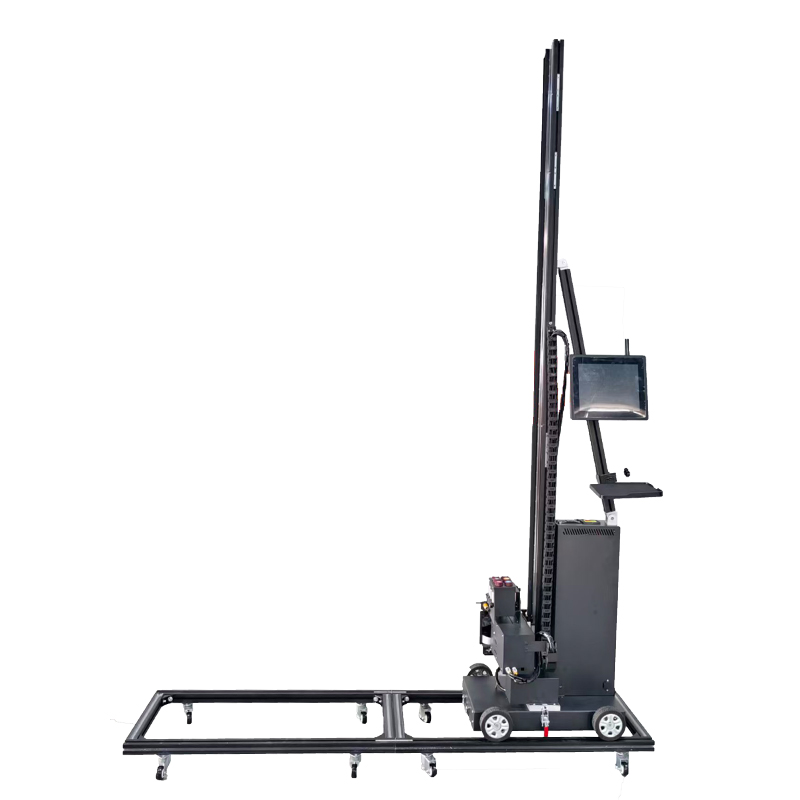
After putting it together, calibration matters a lot for precise wall printing placement. Many current wall printer devices rely on laser guidance systems for exact arrangement. The laser guidance system and printheads’ electric raise mechanism ensure spot-on picture placement. Run trial prints on test walls to check calibration precision before launching big projects.
Key Environmental Considerations for Achieving High-Quality Printing Results
Why Is Environmental Control Important for UV Printing?
Controlling the surroundings greatly influences print sharpness, sticking power, and lasting strength of wall printing outcomes. Changes in temperature can shift ink thickness. High moisture levels might disrupt the hardening process under UV light. The UV-curable ink in machine-printed murals hardens right away under UV light. It sets up instantly after printing. This forms a layer with strong coverage. It works regardless of the wall’s surface feel. Keeping suitable light levels also aids workers in watching the work well during wall printing tasks.
How to Optimize the Environment for UV Printing?
To get reliable outcomes, keep the room heat between 20°C–30°C. Maintain steady moisture around 40%–60%. If conditions in the area change often, employ climate tools like moisture removers or cooling units to steady them. Suitable lighting—best as bright white LED—assists in seeing color evenness all through printing times.
Material Preparation and Selection
What Materials Are Suitable for UV Wall Printing?
UV printers handle many surfaces well thanks to their smart ink methods. We apply a tough UV ink that sets quickly under the built-in UV lamp. It works on nearly every surface. So, you can print on plaster, glass, most tiles, and lots of other items without trouble. For best effects in 3D printed wall art or 3D print wall art work, make sure areas like drywall or concrete are dust-free and firm before printing.
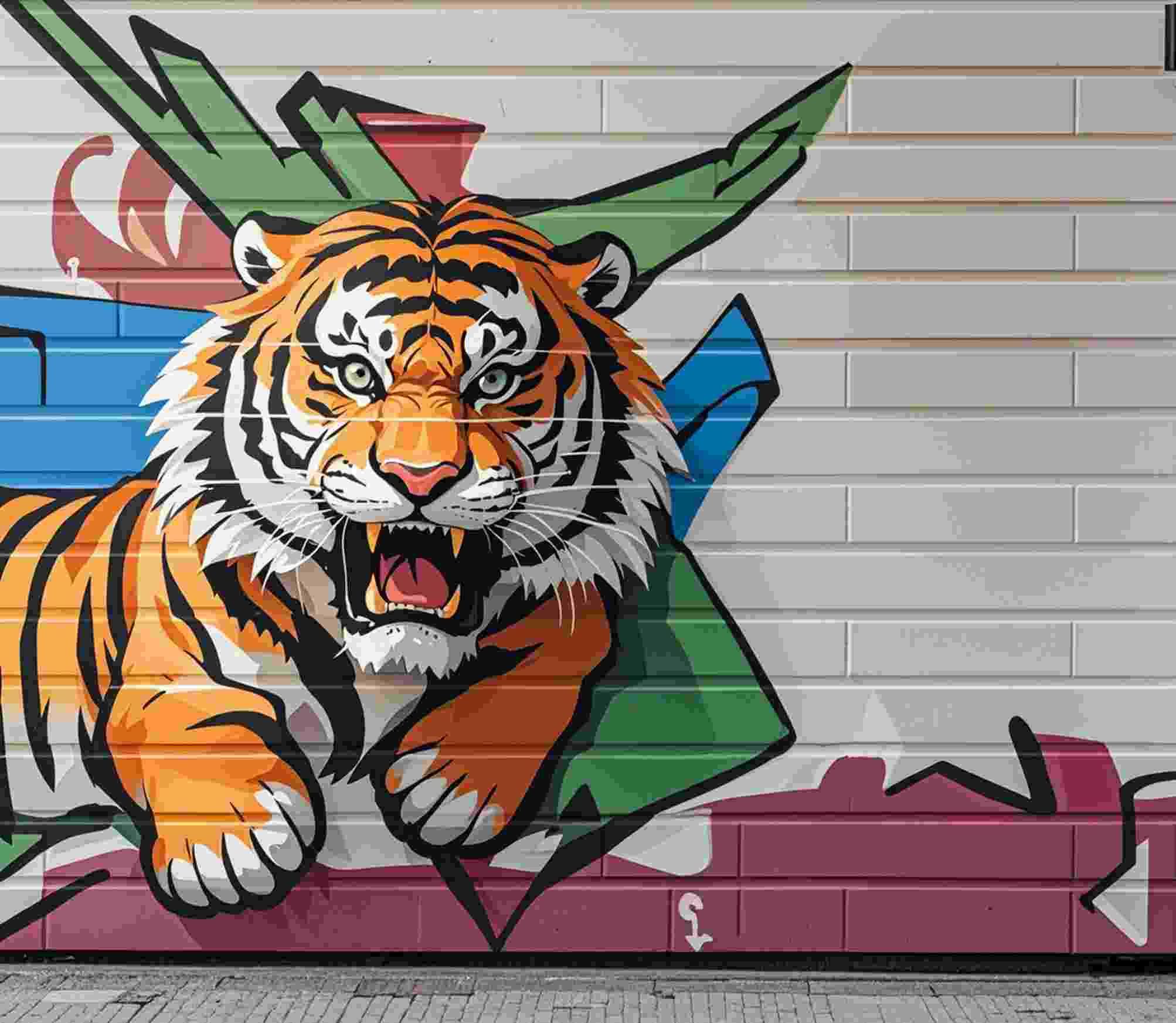
Preparing Surfaces Before Printing
Getting the surface ready decides how firmly the ink sticks to the base. Start by wiping away dirt or oil from walls with gentle soap or alcohol cloths. Even out bumps using rough paper or filler if needed. Some items like glass or metal might need base coats or layers for stronger grip of UV inks.
After printing on the floor, we suggest adding a coat of clear guard varnish on top. You can get it at nearby paint stores. This shields the printed picture from scrapes, foot steps, and washing. In the same way, putting guard layers over printed murals boosts their life against rubbing or water contact.
Safety Measures and Best Practices
What Safety Precautions Should Be Taken When Operating a UV Wall Printer?
Safety must come first when managing any wall printer machine with ultraviolet hardening setups. Workers need to use protective eye gear and hand covers when close to working printheads. Direct contact with UV light could lead to damage over time. Heed all safety rules from makers about upkeep schedules or urgent stop methods.
UV ink is a cleaner ink without solvents. It holds few volatile organic compounds (VOCs) unlike old solvent inks. So, it harms air and health less. This makes modern Hanjie printers safer than past solvent systems. Yet, it still calls for cautious treatment during refill or cleanup tasks.
Discover Hanjie and Its Advanced UV Wall Printing Solutions
What Makes Hanjie’s UV Wall Printers Stand Out?
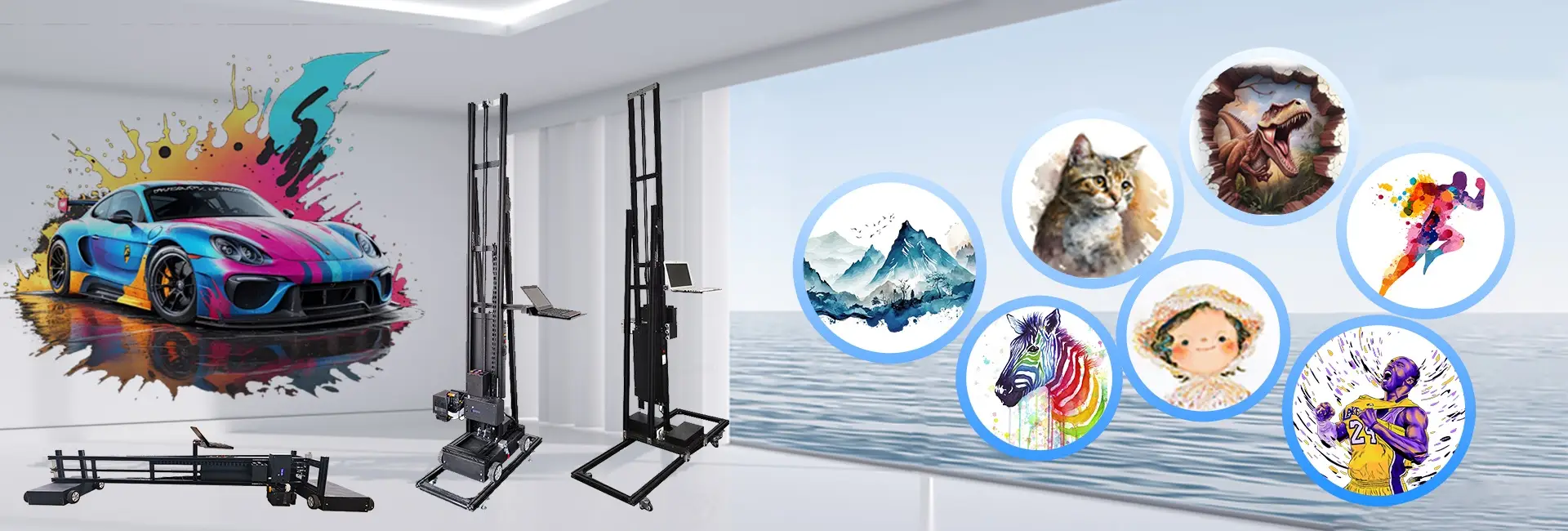
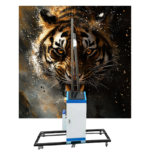
At Hanjie, we focus on modern digital printing tools made for experts and newcomers who want speed in wall printing jobs. Hanjie concentrates on digital printing areas. After much effort over years, it has gained solid field knowledge. The company aims to give clients fresh wall printing options. Our range covers models like HJ-725 Multi-Nozzle UV Wall Printer, famous for its easy carrying and accuracy.
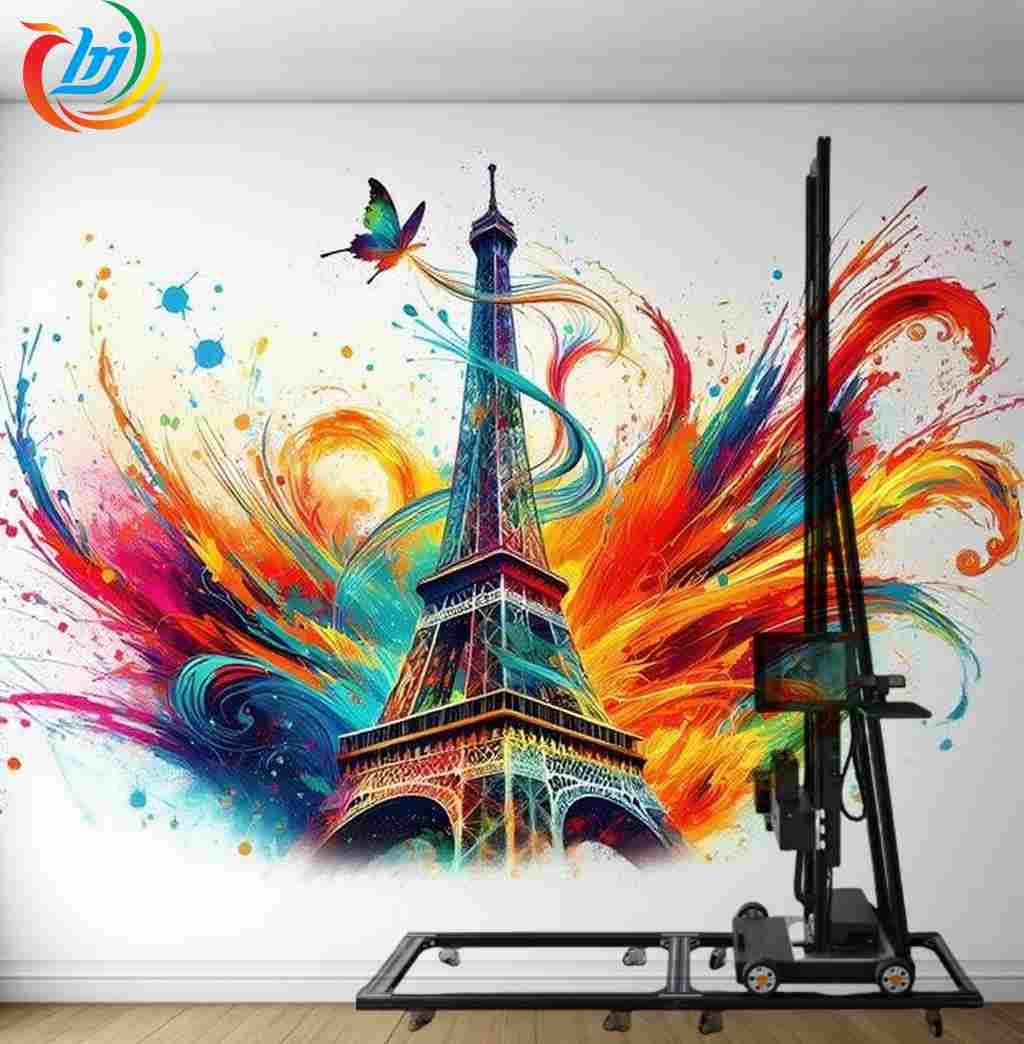
The latest multi-functional wheeled UV wall printer available uses an improved tech mix of wheel movement and rail movement systems. Every model handles CMYK+UV inks that dry fast—great for making strong 3D printed wall art on varied bases from smoothed walls to metal sheets.
We offer endless software upgrades via our factory control system linked with Photoshop, BetterPrinter, and UltraPrint software packages. This ensures smooth work flow from picture creation to end result.
All items use top tech and fine parts to provide sharp, vivid, and tough printed pictures. They also show great steadiness and fit for tricky settings. Whether you make home decor murals or big outdoor business setups, our printers give pro-level work supported by online training help ready whenever.
FAQ
Q: Can any surface be used with a UV wall printer?
A: Not every surface works—check material fit first. Rough walls like raw cement might need base layers before printing starts.
Q: How long does printed artwork last indoors versus outdoors?
A: Wall printings hold up well. Its UV ink resists UV and wear and keeps color even outside. It usually lasts up to 15–20 years inside based on surroundings.
Q: Is it possible to resume printing after power failure?
A: Yes, new Hanjie printers have inner power loss tolerance that lets you pick up from the break point once power returns.